
Blog
How to Edit Real Footage with Gemini Omni Flash
The Prompts Below:
1. Object Swap
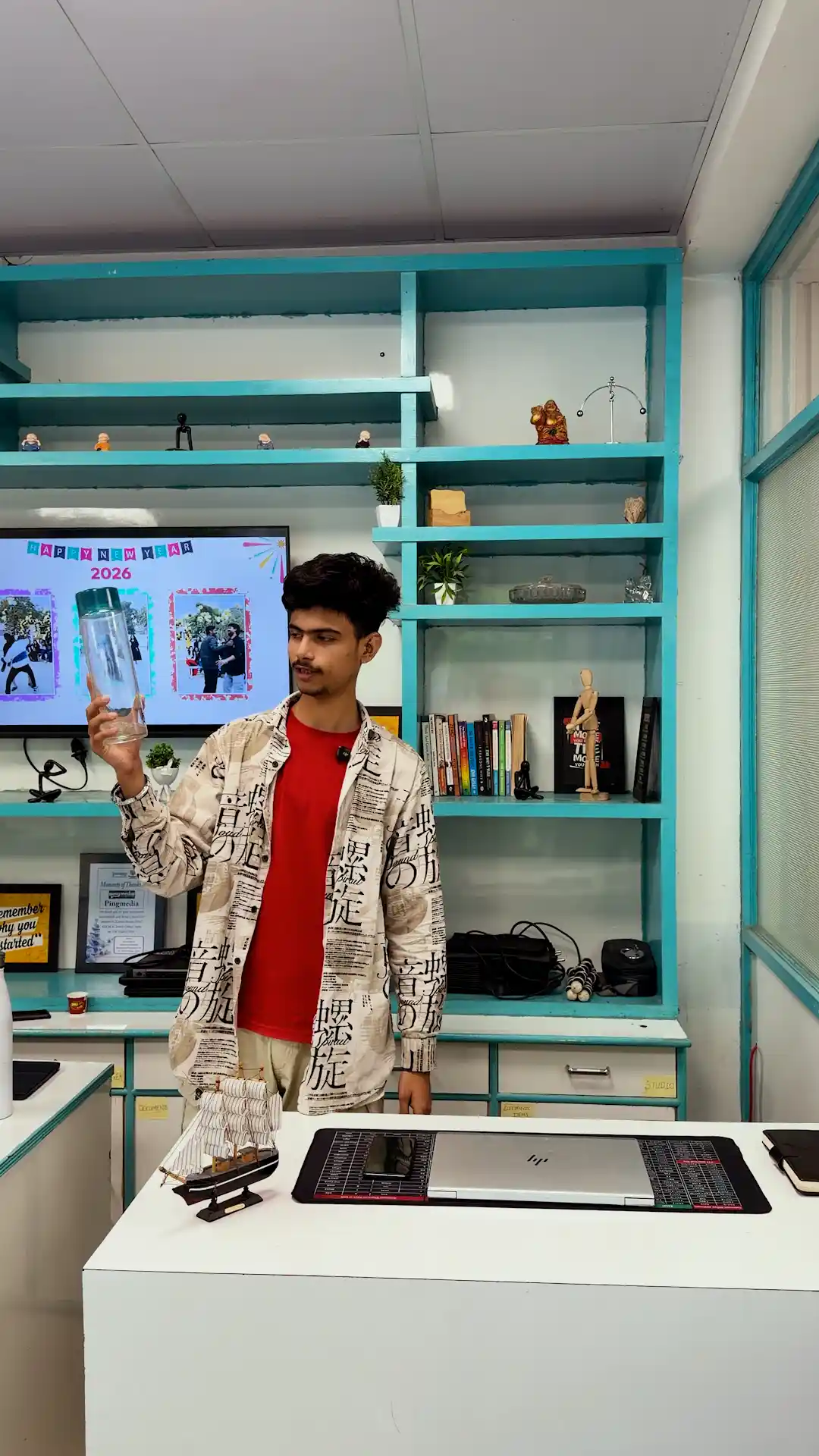

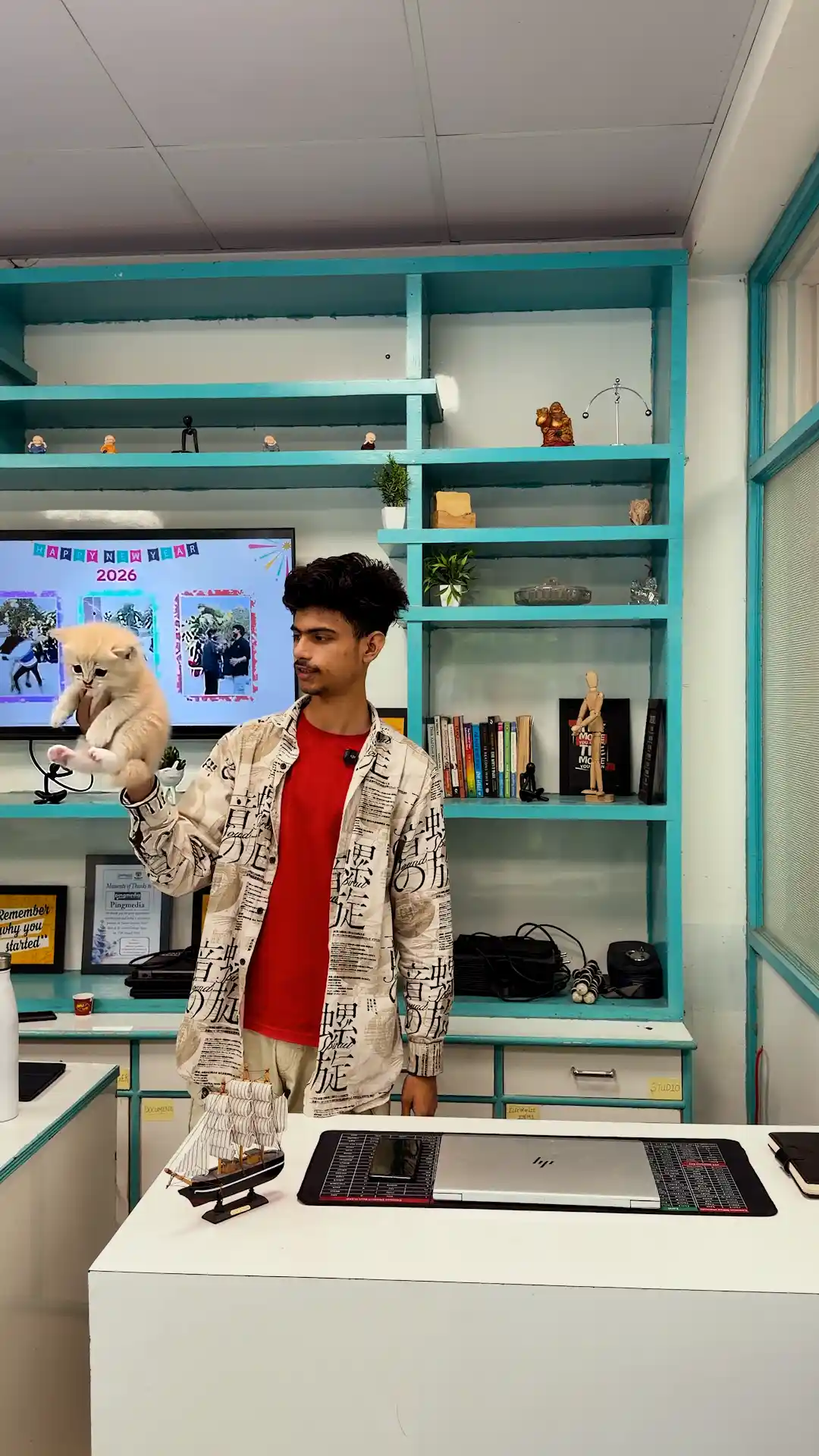
Edit this real video clip by replacing a single object only — do not alter, regenerate, or restyle anything else in the footage. Keep the person’s face, hair, expression, skin tone, clothing, and body proportions 100% identical to the original footage, frame by frame — no AI reinterpretation of the face or body. Keep the background completely unchanged: the teal shelving, wall art, TV screen, desk, window, and all decor items must stay exactly as filmed, with no added movement or generation. Keep the person’s hand position, arm pose, and grip shape exactly as filmed.
The only new element to add: replace the clear bottle currently held in the person’s raised hand with a cute, small kitten, throughout the entire clip. The kitten should be sized and positioned to naturally fit in the same hand position the bottle currently occupies — appearing as if gently cradled/held in the palm, with the fingers appearing to naturally support it rather than crushing or gripping it like a rigid object. The kitten should have subtle, believable idle movement — a slight head turn, blinking, tiny paw movement, soft fur motion — as if alive and being held, matching the natural hand-hold motion throughout the clip (the small drifting/adjusting movement of the hand should look like it’s supporting the kitten’s weight).
The kitten’s fur color and breed can be a soft, appealing look (e.g., light tabby or cream-colored), rendered with realistic fur texture and lighting that matches the room’s actual lighting conditions in the shot — no glow, no added lighting effects, no color grading shift. Do not change the person’s fingers, wrist, or arm shape beyond what’s needed to naturally wrap around the kitten instead of the bottle. Everything else in the frame — the person’s face, clothes, posture, other hand, and the room — must remain untouched and match the original footage exactly throughout.
2. When Props Come to Life
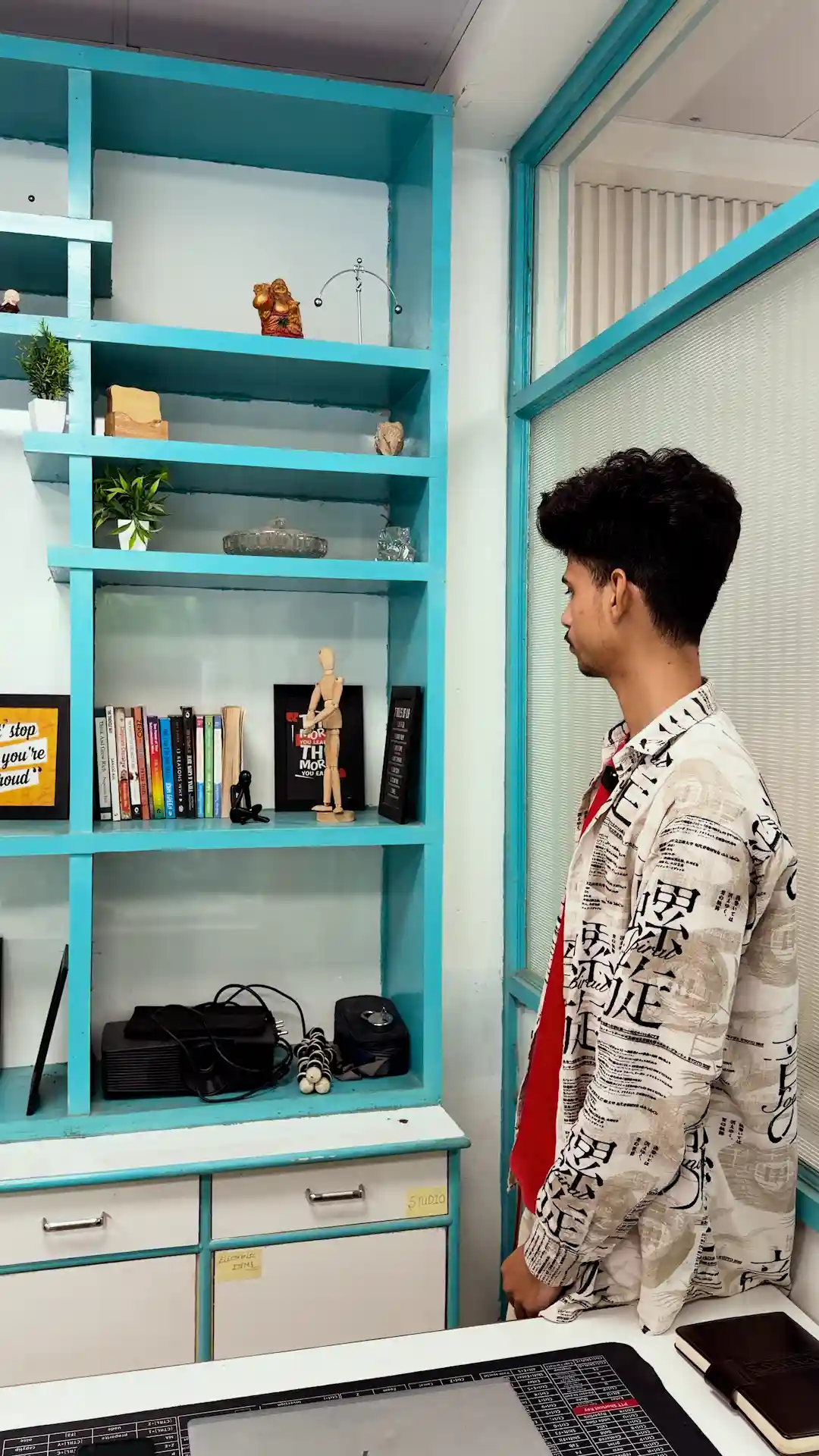
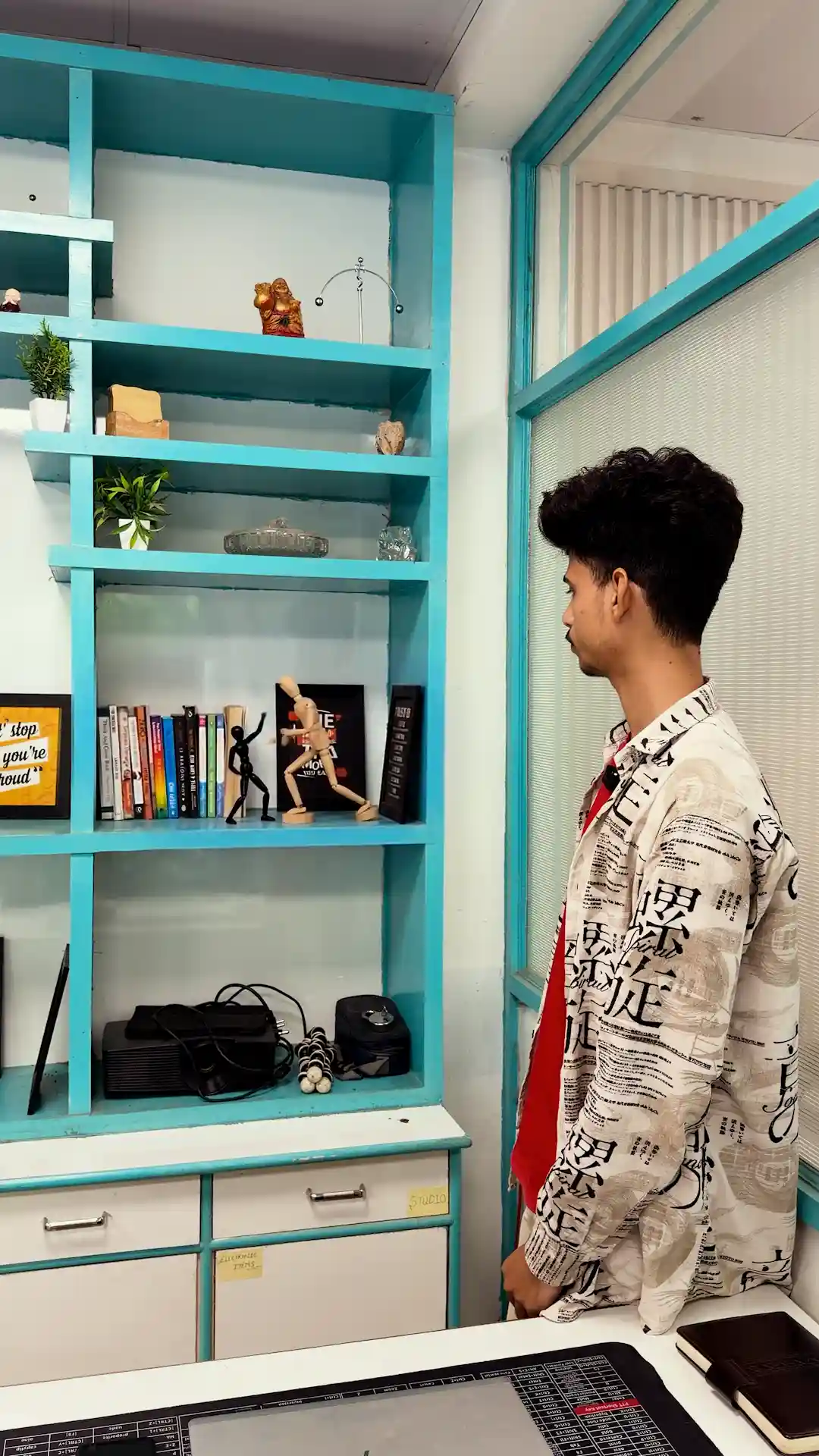
Edit this real video clip by adding a single VFX animation only on the shelf — do not alter, regenerate, or restyle anything else in the footage. Keep the person’s face, hair, expression, skin tone, clothing, and body proportions 100% identical to the original footage, frame by frame — no AI reinterpretation of the face or body. Keep the background completely unchanged: the teal shelving, wall art, window, desk, and all other decor items must stay exactly as filmed, with no added movement or generation, except for the two specified objects below.
The only new element to add: on the shelf, the wooden artist’s mannequin figure and the small black articulated stick-figure object should come alive, starting exactly from their real positions, poses, and orientations as filmed at the start of the clip — do not reposition or reorient them at the first frame. From those exact starting spots, the two figures should animate coming alive: first turning/repositioning themselves naturally to face each other, then engaging in a playful stop-motion-style fight — small, stylized action-figure-style movement (arm swings, dodges, a push or knockdown), not gory or violent. The fight should build for a few seconds, and by the end of the clip, one of the two figures should clearly win — left standing upright in a victorious pose, while the other is knocked down/toppled over on the shelf surface, roughly near where they started (not flung far from their original shelf spot).
All other objects on that shelf (the books, small potted plants, framed photos, decorative items, glass tray, and everything else) must remain completely static and untouched throughout — only the two specified figures move. The animation style should look like believable stop-motion/CGI object animation matching the room’s real lighting, with no added glow, sparks, or color shift, and no camera shake. Everything else in the frame — the person’s face, clothes, posture, and the room — must remain untouched and match the original footage exactly throughout.
3. Lighting & Bg FX
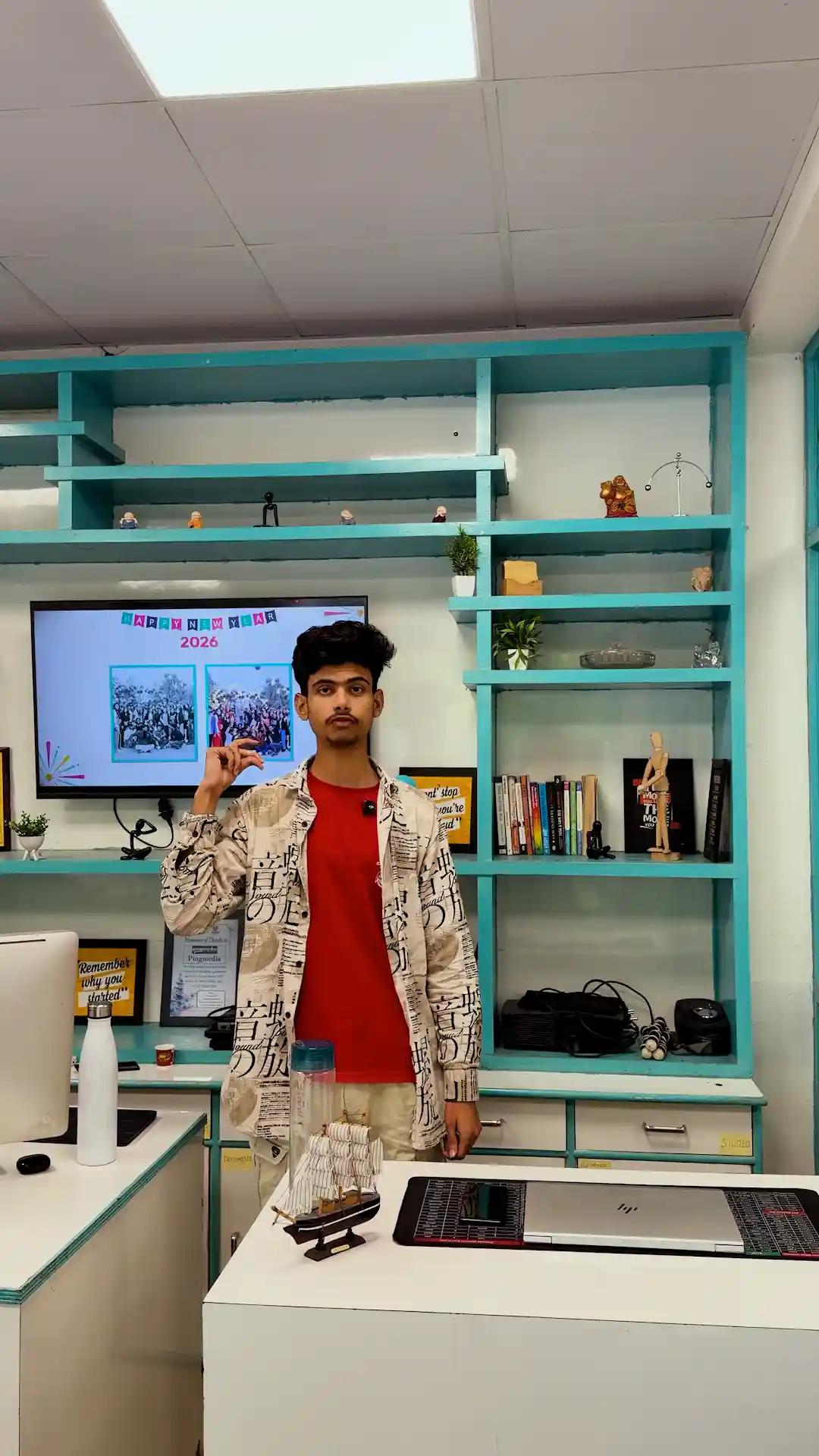
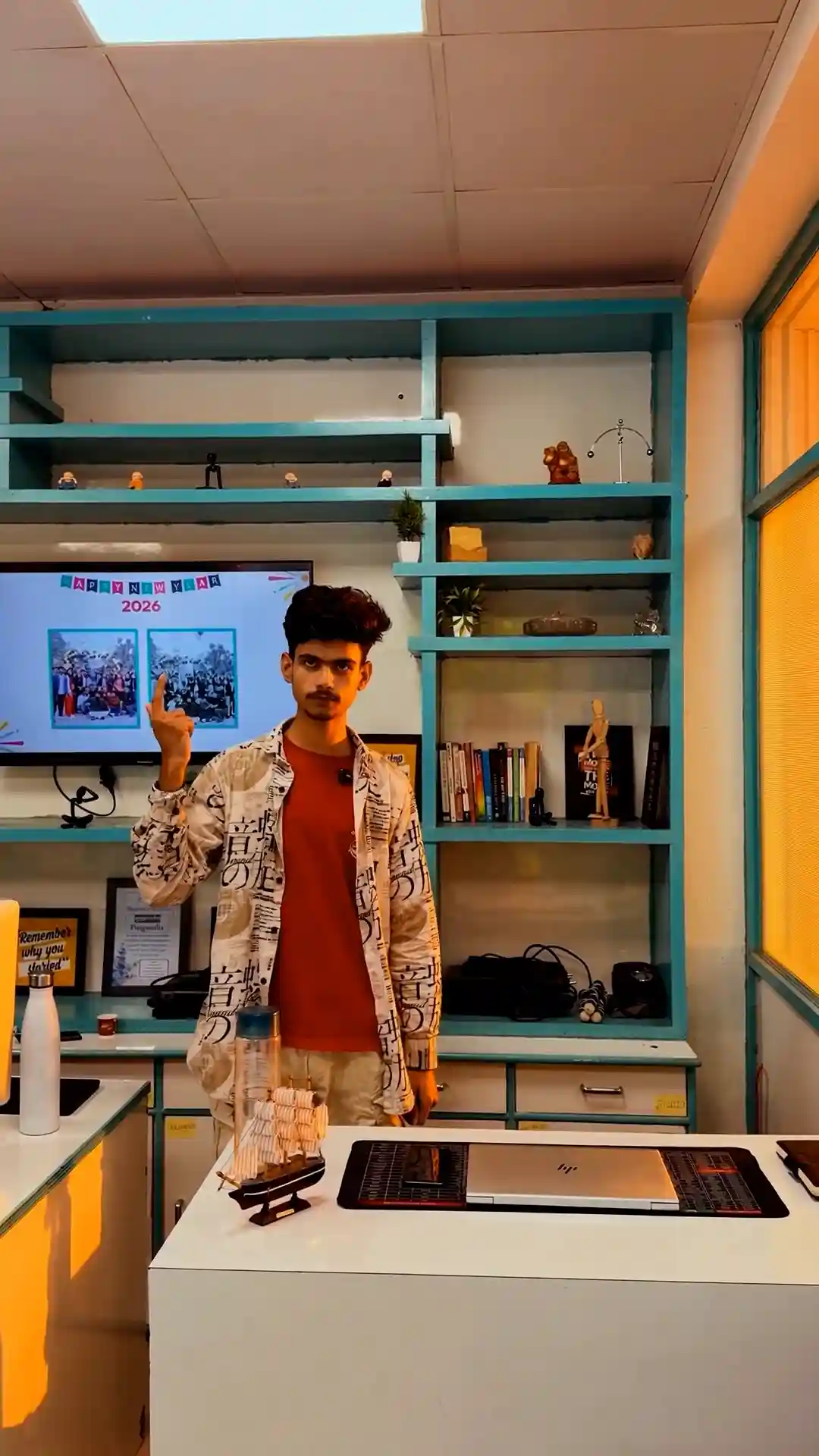
Edit this real video clip by adding two sequential VFX triggers only, tied to the person’s pinch gestures — do not alter, regenerate, or restyle anything else in the footage. Keep the person’s face, hair, expression, skin tone, clothing, and body proportions 100% identical to the original footage, frame by frame — no AI reinterpretation of the face or body. Keep all objects on the desk (bottle, laptop, mousepad, model ship) and the person’s pose exactly as filmed throughout, unless specified below.
First trigger: at the moment the person makes their first pinch gesture with their fingers, the lighting in the room should transform — shift the overall lighting mood of the entire scene (for example: bright daylight tone shifting into a warm golden-hour tone, or a dramatic moody/cinematic lighting shift with shadows and highlights redefined) — as if the pinch “snapped” the lighting into a new mode. This should affect only light quality, color temperature, shadows, and highlights across the whole frame — not the physical geometry of the room, the person’s face structure, or any objects.
Edit this real video clip by adding a single VFX trigger only, tied to the person’s pinch gesture — do not alter, regenerate, or restyle anything else in the footage. Keep the person’s face, hair, expression, skin tone, clothing, and body proportions 100% identical to the original footage, frame by frame — no AI reinterpretation of the face or body. Keep the person’s exact pose, position in frame, and all objects on the desk in front of them (bottle, laptop, mousepad, model ship) completely unchanged throughout.
The only new element to add: at the exact moment the person makes a pinch gesture with their fingers, the background environment behind them should transform into a professional, cozy content-creator studio setup — a softly blurred backdrop featuring warm ambient lighting, a neutral-toned wall (soft beige, warm gray, or muted sage), a couple of large softbox or ring lights subtly visible off to the side, a tasteful bookshelf or minimal decor shelf with a few plants and framed art, and a warm, inviting color grade overall (soft golden-hour-style warmth, gentle shadows, shallow depth of field making the background pleasantly soft/out-of-focus compared to the person in sharp focus). It should feel like a high-end YouTuber/podcast studio — polished but warm and comfortable, not sterile or corporate.
The transformation should look like a clean digital dissolve/wipe effect that expands outward from the pinch point, replacing only what’s behind the person — not a hard camera cut, not a flash, no distortion of the person’s silhouette or edges. The person themselves — their face, hair, clothing, posture, and position — along with the desk and all objects on it in front of them, must remain fully intact, in focus, and completely unaffected by the environment swap. Only the background changes. The transformation should be smooth and snap-triggered exactly on the pinch action, with no flicker, no glow, and no unintended change to the lighting on the person’s face or body during the swap. Everything about the person and the foreground desk setup must match the original footage exactly, before and after the transformation.
4. Mini city on the desk
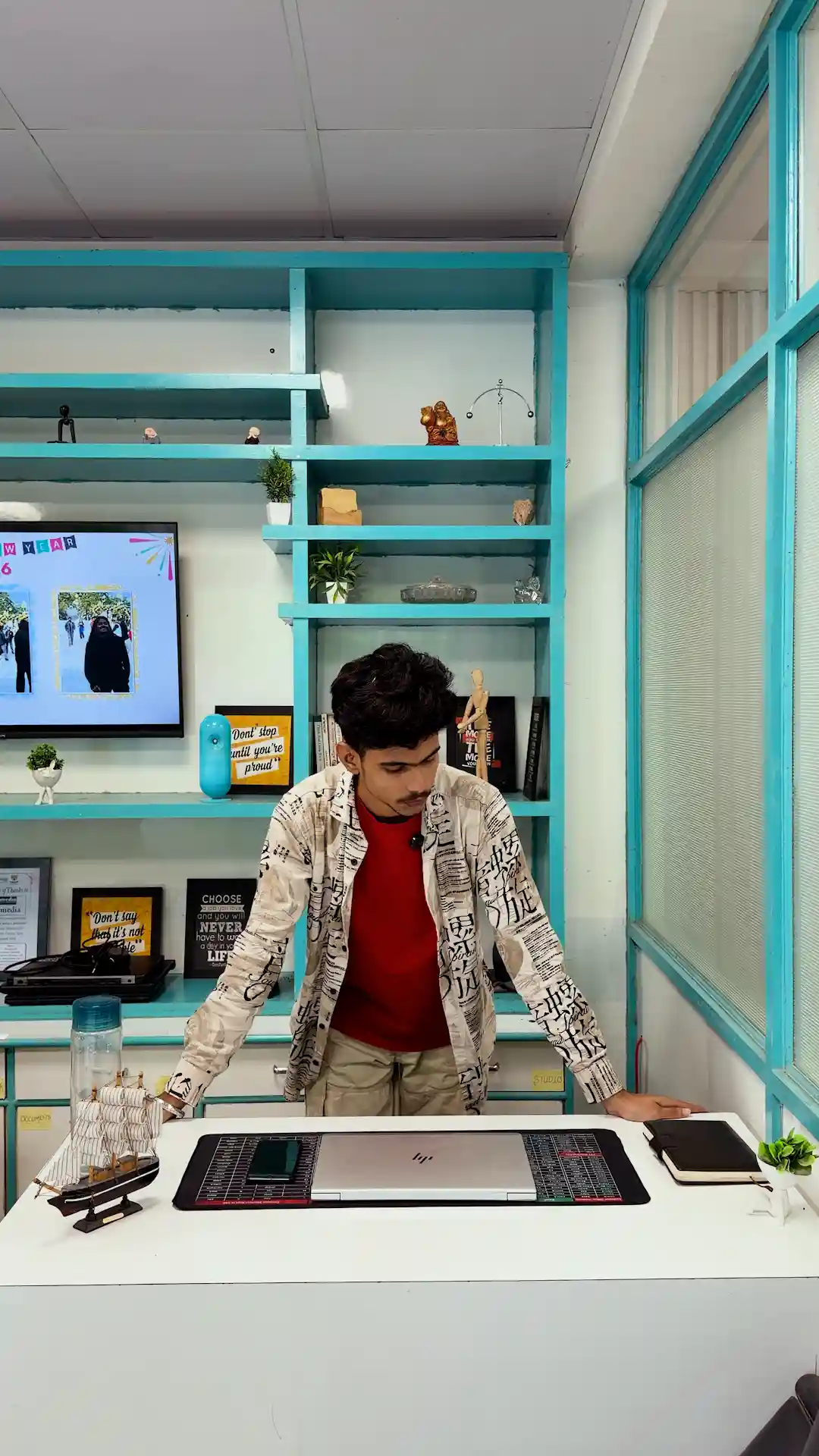
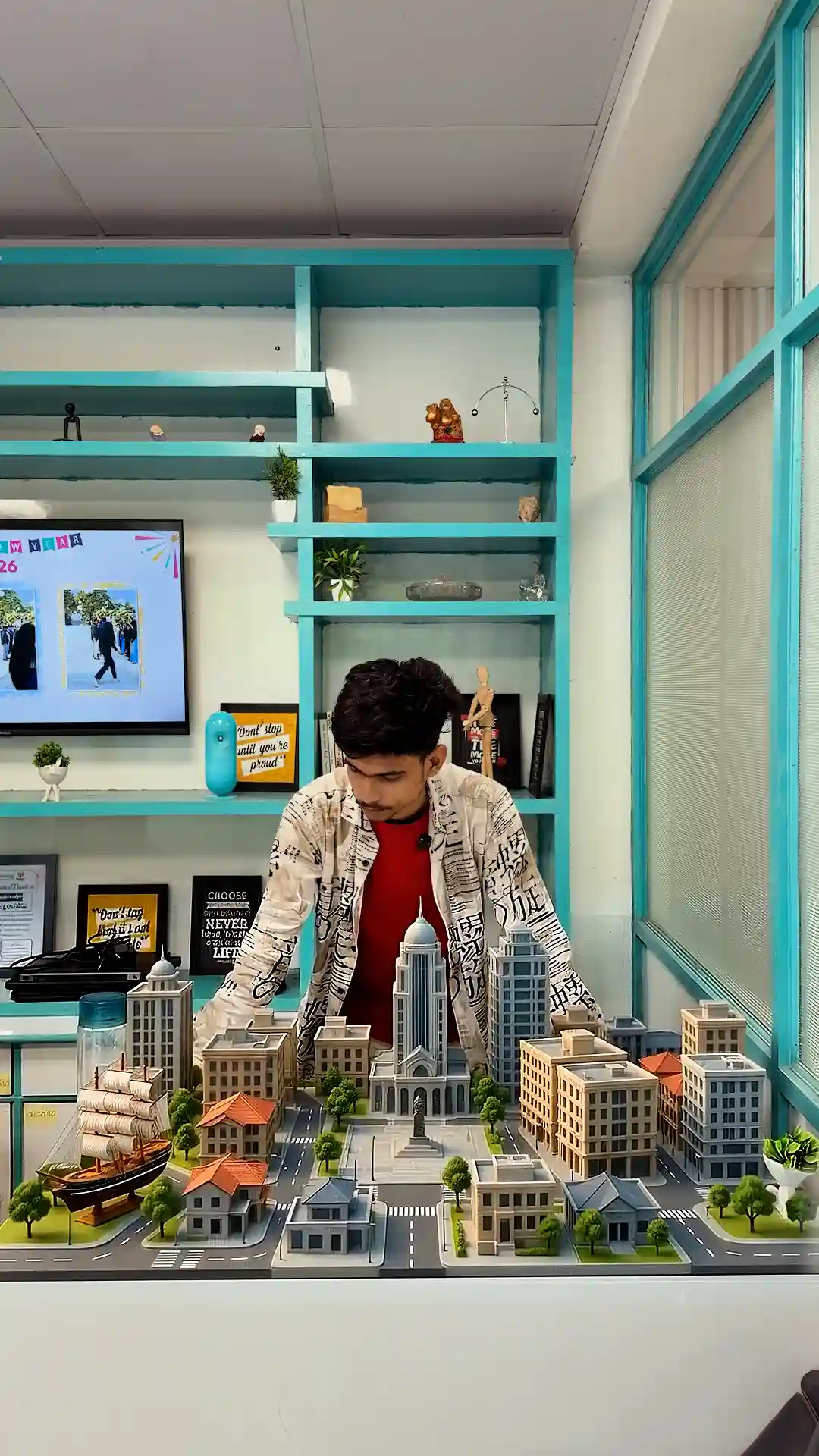
Edit this real video clip by adding a single VFX transformation only on the desk surface — do not alter, regenerate, or restyle anything else in the footage. Keep the person’s face, hair, expression, skin tone, clothing, and body proportions 100% identical to the original footage, frame by frame — no AI reinterpretation of the face or body. Keep the background completely unchanged: the teal shelving, wall art, TV screen, window, and all decor items must stay exactly as filmed, with no added movement or generation. Keep the person’s pose and hand movements exactly as filmed — their hands should appear to naturally present/frame the scene as it builds.
The only new element to add: at the start of the clip, a highly detailed, photorealistic miniature diorama model should construct itself directly on the desk surface, piece by piece, like a fast time-lapse construction sequence — tiny building foundations laying down first, then structures rising upward floor by floor, streets and roads unrolling into place, small trees and details popping in last, all in quick, satisfying sequential build-up (not a single dissolve, but a visible layered construction animation). Render style: exact look of a tilt-shift architectural scale model — crisp micro-detail, warm golden cinematic lighting, soft shallow depth of field at the edges to sell the miniature scale, realistic matte resin/model material texture, not glossy or cartoonish. As the model constructs, the real objects currently on the desk — the model ship, phone, laptop, mousepad, notebook, and small plant — should smoothly be absorbed/covered by the rising construction, not thrown or knocked off.
The completed miniature scene should hold for the middle portion of the clip. Toward the end, reverse the effect: the construction should rapidly disassemble in reverse (buildings lowering and receding, streets rolling back up, pieces vanishing in reverse build order) until the desk normalizes back to its real, original state — with all real objects reappearing in their exact original positions.
The build and un-build sequences should look high-fidelity and satisfying, matching the visual quality, lighting warmth, and miniature-scale realism of the reference image — no flat color, no low-detail geometry, no toy-like plastic sheen, no camera shake. Everything else in the frame — the person’s face, clothes, posture, and the room — must remain untouched and match the original footage exactly throughout.
5. Floating Objects
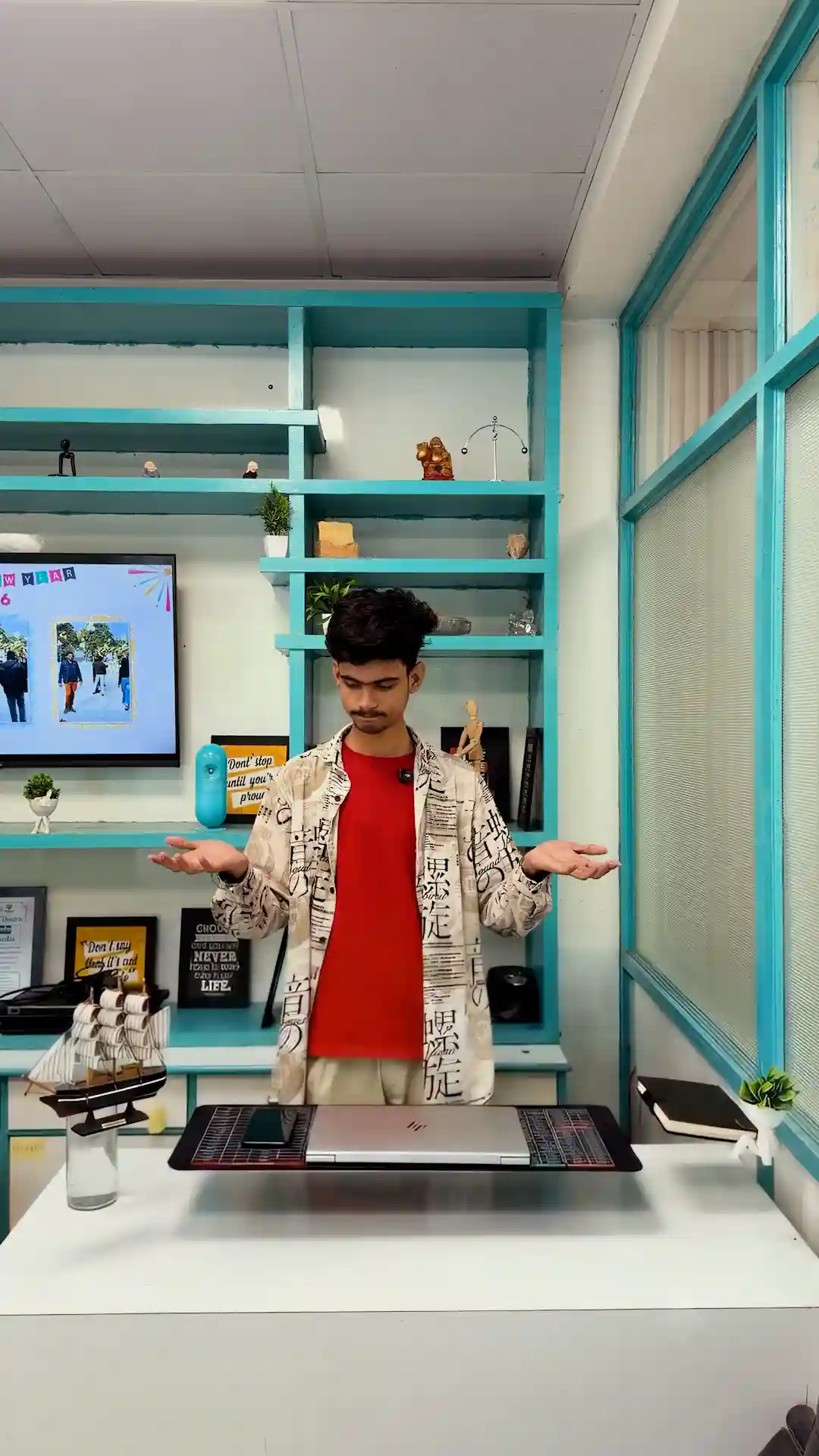
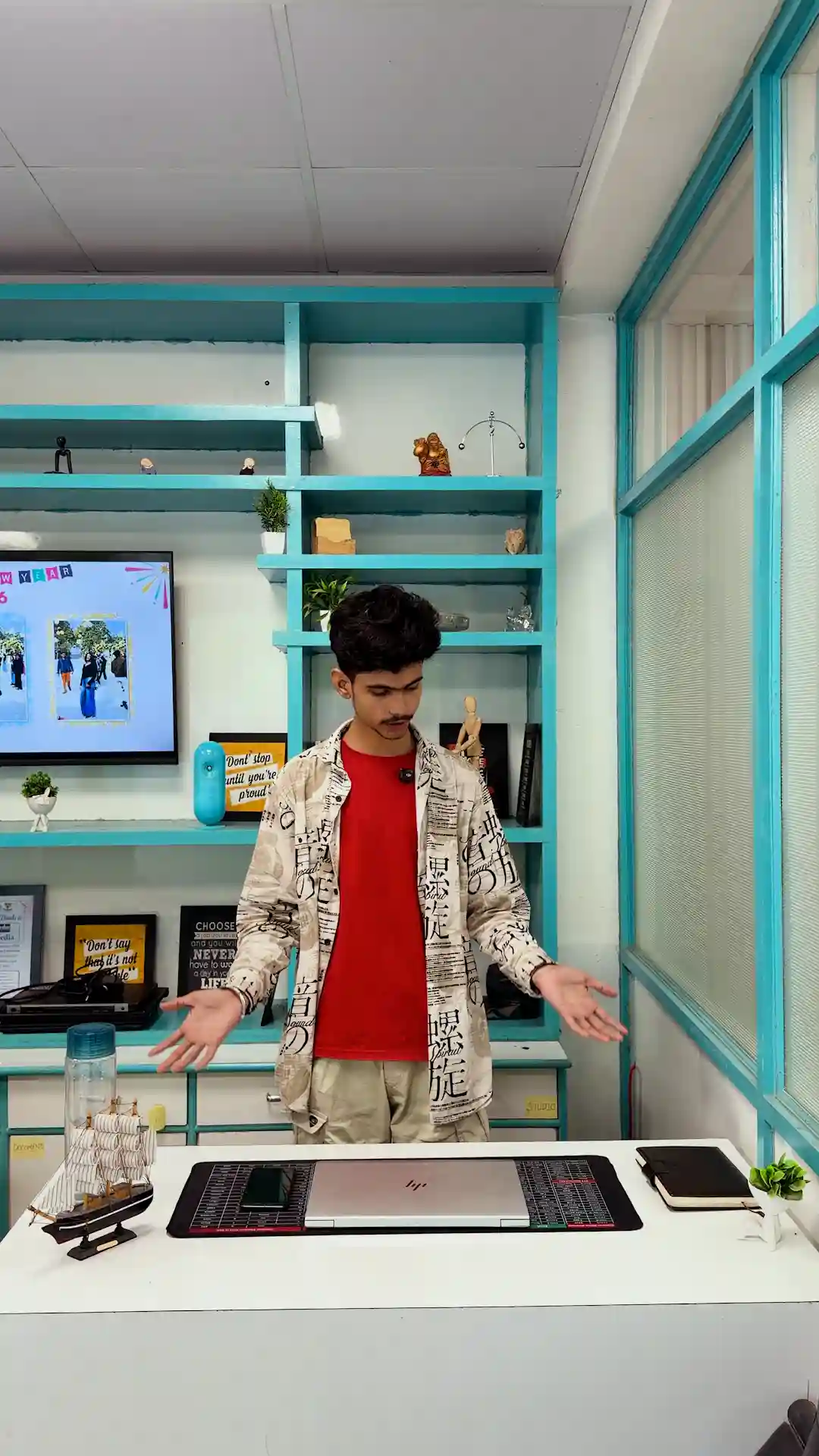
Edit this real video clip by adding a single VFX layer only — do not alter, regenerate, or restyle anything else in the footage. Keep the person’s face, hair, expression, skin tone, clothing, and body proportions 100% identical to the original footage, frame by frame — no AI reinterpretation of the face or body. Keep the background completely unchanged: the teal shelving, wall art, TV screen, window, and all decor items must stay exactly as filmed, with no added movement, distortion, or generation. Keep the desk and its surface unchanged.
The only new element to add: the objects sitting on the desk — the laptop, the phone, the mousepad, the notebook, the small potted plant, and the model ship — should gently levitate a few inches upward, drifting slightly and rotating very subtly, synced to the moment the person raises their hands upward in the clip. As the person’s hands rise, the objects rise with them, as if lifted by an invisible force connected to the hand motion. When the person lowers their hands back down, every object should float back down smoothly and land back in its exact original position and orientation on the desk — same spot, same angle, no shifting or leaving anything out of place.
Motion should be slow, weightless, and physically believable (like anti-gravity, not thrown), with subtle floating/hovering micro-movement while suspended. No sparkles, no light glow, no color change, no camera shake — just the objects and gravity-defying motion. Everything else in the frame — face, clothes, room, lighting — must remain untouched and match the original footage exactly.
A Few Tips Before You - Guaranteed
Be specific about what stays the same.
Omni Flash works best when you explicitly lock down everything you don’t want changed – the character’s face, the camera move, the timing.
Iterate fast.
Since generations are quick and cheap, don’t aim for a perfect prompt on the first try – run a few variations and refine based on what comes back.
No need to write prompts from scratch.
Just tell Claude what you want to change, drop in your footage, and go.